Building: ▸ bref.sh ▸ bref.sh/cloud ▸ port7777.com AWS Serverless Hero
Building:
▸ bref.sh
▸ bref.sh/cloud
▸ port7777.com
AWS Serverless Hero
Posts
Building: ▸ bref.sh ▸ bref.sh/cloud ▸ port7777.com AWS Serverless Hero
Introducing Prereview for @phpstorm
Review local changes:
- human review: add inline comments like on GitHub
- AI review: Codex + Claude Code review Then copy as prompt for your agent
Building: ▸ bref.sh ▸ bref.sh/cloud ▸ port7777.com AWS Serverless Hero
Got secrets in local .env? Afraid of a compromised dependency or agent reading your filesystem?
I built dotlock:
- store secrets encrypted in
.env.secrets - decrypted on the fly via
php artisan dev
Building: ▸ bref.sh ▸ bref.sh/cloud ▸ port7777.com AWS Serverless Hero
If this benchmark is to be trusted, current frontier is:
- grok 4.5 (high): cheap + fast
- opus 5 (medium): best
- fable 5 (high): if you're feeling fancy and forget the rest.
Now time to see if Opus 5 is really that good. Source: https://cognition.com/frontiercode
Building: ▸ bref.sh ▸ bref.sh/cloud ▸ port7777.com AWS Serverless Hero
I cannot express how shocked I am by how perfect it worked. (note: in this case I don't review the code)
My conclusions so far:
- use Fable for important tasks/features that you don't want to mess up (i.e. it's worth the cost)
- that could be implementation if it's really important/risky
- or just the plan
- Fable is also great at orchestrating big features using cheaper sub-agents (so don't think large task = lots of Fable tokens, Fable is really good at exploiting sub-agents)
Building: ▸ bref.sh ▸ bref.sh/cloud ▸ port7777.com AWS Serverless Hero
Storing files publicly on S3 (e.g. avatars): add publicPath: public and every file in the public/ subdirectory will be public. The rest stays private.
Docs for Laravel: https://bref.sh/docs/laravel/file-storage#public-files
Building: ▸ bref.sh ▸ bref.sh/cloud ▸ port7777.com AWS Serverless Hero
Zero-downtime deploys can be enabled by adding versionedAssets: true
This is enabled by default when setting up Bref in new Laravel apps.
Building: ▸ bref.sh ▸ bref.sh/cloud ▸ port7777.com AWS Serverless Hero
3 nice Bref updates:
- zero-downtime deploys for website assets
- public storage on S3 made simple
- osls 4.0: resolved deprecations, hardened, supports SSO
Building: ▸ bref.sh ▸ bref.sh/cloud ▸ port7777.com AWS Serverless Hero
with all the supply chain attacks, I'm pushing code to GitHub the secure way
Building: ▸ bref.sh ▸ bref.sh/cloud ▸ port7777.com AWS Serverless Hero
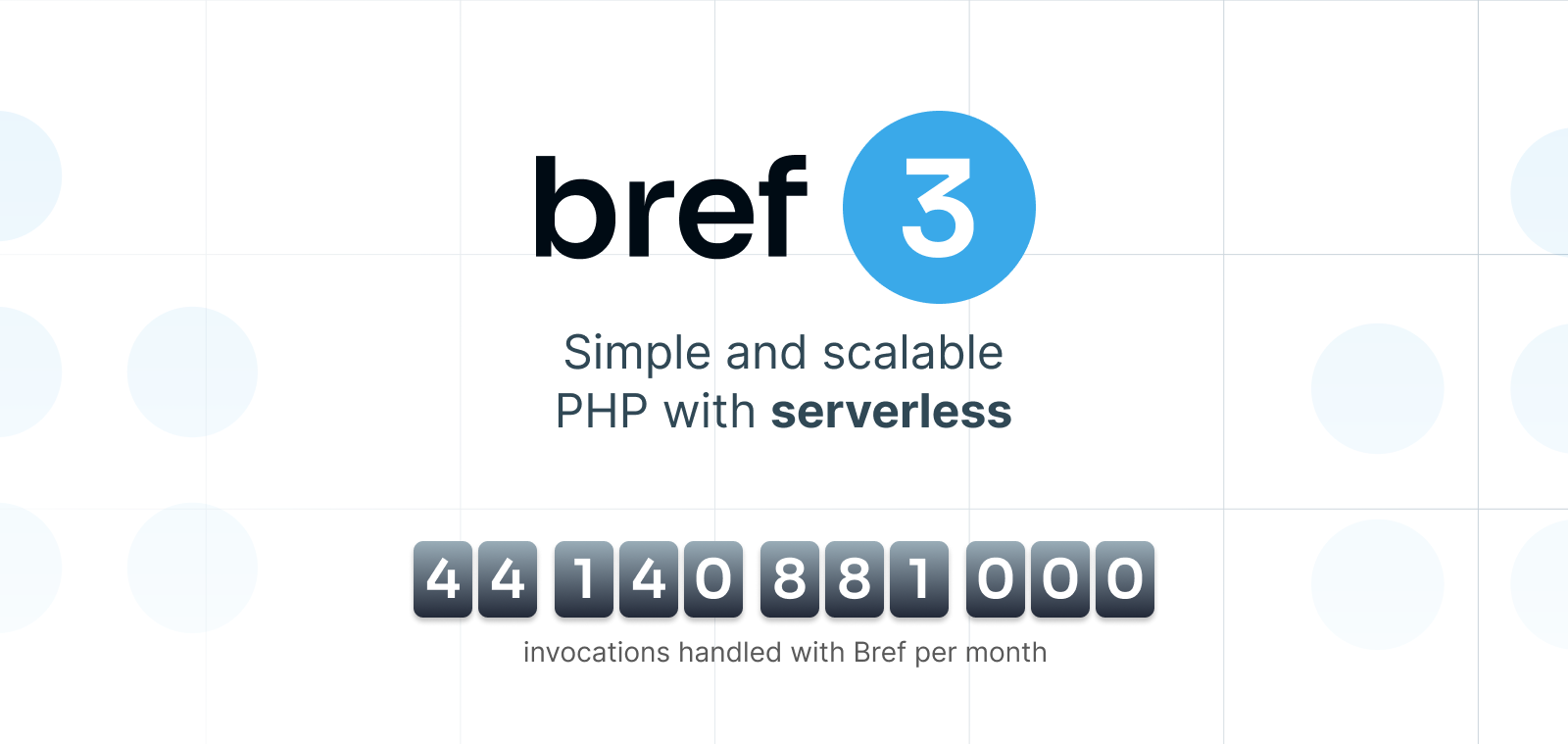
Bref 3 is released 🎉
Since its creation, Bref has served 1.2 trillion requests and jobs!
▸ simpler & lighter runtimes
▸ PHP 8.5
▸ improved observability (logs & tracing)
▸ simpler Laravel onboarding
▸ postgres & redis built-in
and more ⤵
https://bref.sh/news/03-bref-3.0
Building: ▸ bref.sh ▸ bref.sh/cloud ▸ port7777.com AWS Serverless Hero