I publish @TidBITS and the TidBITS Content Network, serve as president of the Finger Lakes Runners Club, and direct and time numerous races in the Ithaca area.
I publish @TidBITS@mastodon.social and the TidBITS Content Network, serve as president of the Finger Lakes Runners Club, and direct and time numerous races in the Ithaca area.
Posts
I publish @TidBITS and the TidBITS Content Network, serve as president of the Finger Lakes Runners Club, and direct and time numerous races in the Ithaca area.
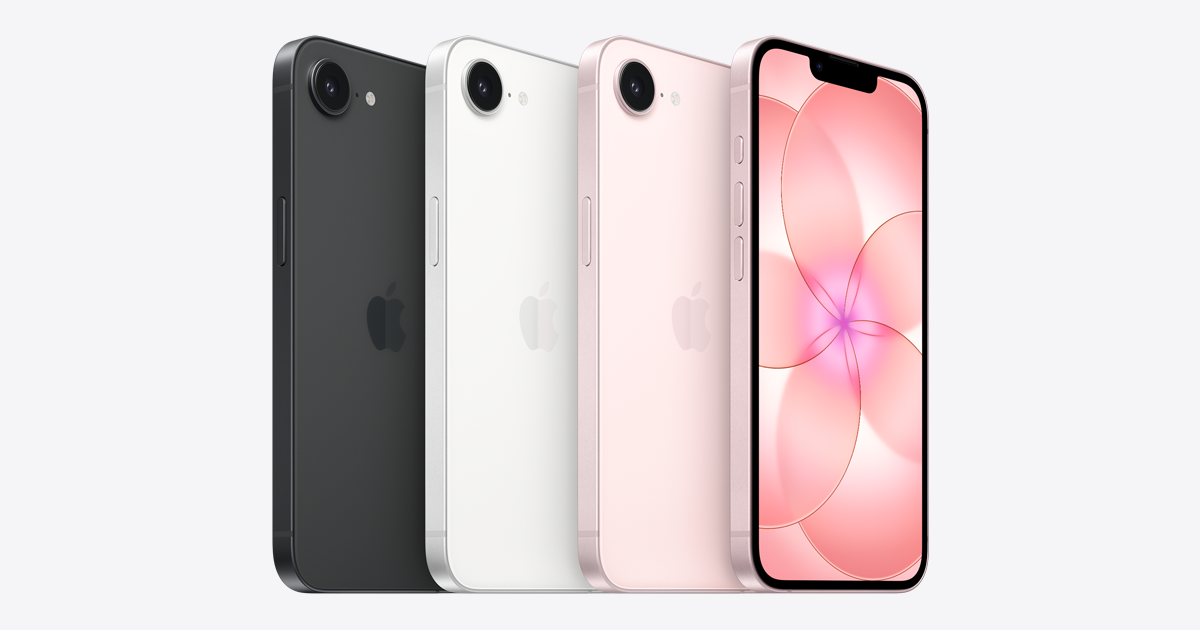
Still getting blown-out CSS for the iPhone 17e tech specs page in all browsers. https://www.apple.com/iphone-17e/specs/
And it's not appearing on Apple's site. @gruber@mastodon.social linked to a comparison page that's now not showing it so it must have been there before. Perhaps a CDN failure?
I publish @TidBITS and the TidBITS Content Network, serve as president of the Finger Lakes Runners Club, and direct and time numerous races in the Ithaca area.
@kdawson@tldr.nettime.org @TidBITS@mastodon.social Something is decidedly wrong with your installation, but without hands-on, I can't think of much more to suggest other than calling Apple, mostly for entertainment value. Next time you install macOS, I'd recommend letting Siri turn on from the start. (A macOS reinstall might do it too.) Personally, I use Siri heavily, but mostly from the HomePods and the iPhone; very seldom from the Mac right now.
I publish @TidBITS and the TidBITS Content Network, serve as president of the Finger Lakes Runners Club, and direct and time numerous races in the Ithaca area.
@kdawson@tldr.nettime.org @TidBITS@mastodon.social Perhaps try turning it on in a clean account? Otherwise, I fear you may be up to an Apple support call.
I publish @TidBITS and the TidBITS Content Network, serve as president of the Finger Lakes Runners Club, and direct and time numerous races in the Ithaca area.
@kdawson@tldr.nettime.org @TidBITS@mastodon.social Siri.app is just a file (package) in your /Applications folder—I wouldn't bring Spotlight into the discussion. What do you see in System Settings > Apple Intelligence & Siri, and what happens when you try to invoke Siri (via voice or keyboard shortcut)?
I publish @TidBITS and the TidBITS Content Network, serve as president of the Finger Lakes Runners Club, and direct and time numerous races in the Ithaca area.
@kdawson@tldr.nettime.org @TidBITS@mastodon.social From what I see, you could try toggling Siri off, rebooting, and toggling it back on. If that doesn't help, changing your Siri language to something else and then back might kick it.
I publish @TidBITS and the TidBITS Content Network, serve as president of the Finger Lakes Runners Club, and direct and time numerous races in the Ithaca area.
@kdawson@tldr.nettime.org @TidBITS@mastodon.social Huh! I've always enabled it at installation, so I have no sense of what needs to be downloaded.